Smart Thermostat Savings: A Low-Waste Setup Guide for Real Homes
ENERGY STAR, EPA, manufacturer, and utility guidance for setting up smart thermostats without comfort complaints, heat-pump mistakes, or wasted energy.

A smart thermostat can reduce wasted heating and cooling, but it can also become an expensive wall gadget that annoys the household and saves little. The difference is setup. ENERGY STAR certification, HVAC compatibility, occupancy patterns, heat-pump behavior, insulation, and user permissions all matter. This guide avoids the fantasy that one device fixes an inefficient home. Instead, it shows how to choose, install, schedule, and audit a thermostat so the savings are real and comfort complaints do not lead everyone to override it.
1. Confirm compatibility before shopping
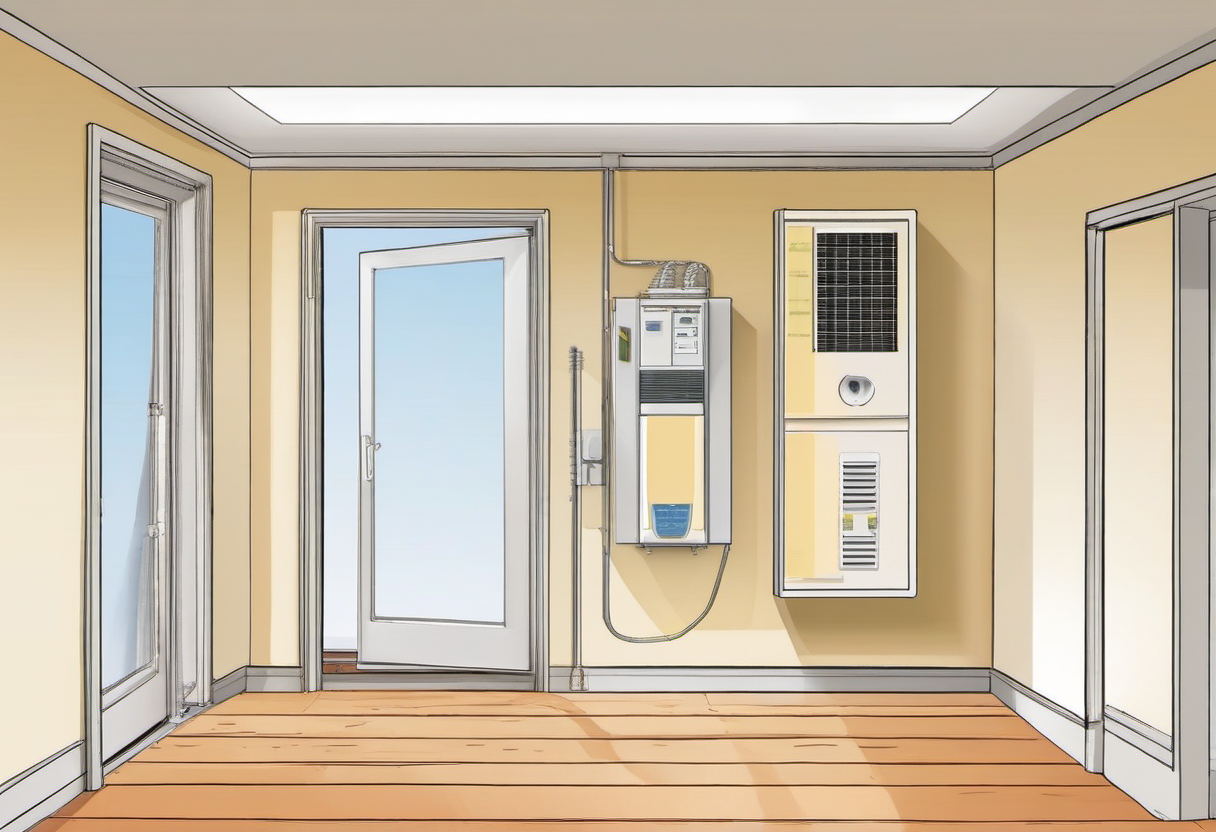
Compatibility is the first sustainability filter because returns, rewiring, and abandoned devices create waste. Before shopping, identify the HVAC type, number of heating and cooling stages, whether the home uses a heat pump, whether there is auxiliary or emergency heat, and whether accessories such as humidifiers or dehumidifiers are controlled by the thermostat. Check for a C-wire or the manufacturer’s approved power solution. Low-voltage HVAC wiring is common, but not universal; line-voltage systems need different controls.
Use ENERGY STAR listings and utility rebate rules as a shortlist, not as the only decision. A rebate can make one model attractive, but demand-response enrollment, data sharing, and comfort events should be understood before signing up. The best smart thermostat is not the most popular one. It is the one that can control the actual equipment correctly, receive updates, protect privacy, and be understood by the people living with it.
2. Build a schedule people will keep
Energy savings disappear when everyone overrides the schedule. Map wake, leave, return, sleep, remote-work, school, shift-work, and weekend patterns before programming anything. Start with modest changes and review comfort complaints after one week. A small setback that survives daily life is more sustainable than an aggressive plan that trains the household to press “hold” every afternoon.
Comfort boundaries matter for safety. Set reasonable minimum and maximum temperatures for pets, children, older adults, humidity control, and sleep. In hot and humid climates, a setting that saves cooling energy but allows indoor humidity to climb can create comfort and moisture problems. In cold climates, a deep setback may create long recovery times. The thermostat should reduce waste, not turn the home into an experiment that ignores the occupants.
3. Treat heat pumps differently

Heat pumps can be efficient, but they may punish aggressive heating setbacks if recovery triggers auxiliary resistance heat. Copying a gas-furnace schedule onto a heat pump is a common mistake. Use manufacturer guidance, ENERGY STAR resources, and observed auxiliary-heat runtime to decide whether smaller setbacks, adaptive recovery, or a mostly steady setting makes sense. Watch the thermostat history for auxiliary heat during recovery periods; frequent backup heat can erase expected savings.
Adaptive learning features are useful only when the target is realistic. During the learning period, a thermostat may start heating or cooling early to hit a scheduled temperature. If the schedule is too ambitious, the device may run longer than expected. After two to four weeks, compare runtime, comfort notes, and utility usage against weather. Keep features that reduce manual intervention and disable features that create confusion.
4. Use data without worshiping the app
Thermostat apps can show runtime, eco hours, schedule adherence, and equipment alerts, but they are not a complete energy audit. Mild weather can make a schedule look brilliant. A dirty filter, leaky duct, blocked return, or sun-baked room can make the same settings perform poorly. Compare app data with utility bills, degree days, filter changes, and occupancy. The goal is a reliable trend, not a dashboard badge.
Privacy and access are part of responsible ownership. Review account security, location permissions, voice-assistant integrations, and who can change settings. A shared account with weak security can turn a sustainability tool into a household nuisance. If geofencing is used, decide what happens when one person stays home, a phone battery dies, or guests are present. Automation should remove wasteful heating and cooling, not create surprise comfort events.
5. Fix the house around the thermostat
A smart thermostat works best after the obvious waste is reduced. Air sealing, insulation, shading, duct sealing, HVAC maintenance, clean filters, and balanced airflow make temperature changes easier and more durable. ENERGY STAR’s broader home guidance is useful because a thermostat cannot fully compensate for leaky ducts, missing attic insulation, or a room that overheats every afternoon.
Run a 30-day audit after installation. Document the schedule, comfort notes, weather swings, runtime, filter changes, and utility usage. Keep what worked, simplify what did not, and avoid chasing tiny app optimizations while ignoring bigger building issues. Smart thermostats work best as part of a low-waste home system: reasonable set points, maintenance, envelope improvements, and feedback from actual bills. Use automation to remove waste, not to fight the people living in the home.
6. Avoid the most common setup mistakes
The first mistake is installing before documenting the original wiring. Take clear photos, label wires, and confirm compatibility with the manufacturer’s checker. The second mistake is choosing an aggressive schedule on day one. Start with settings the household already tolerates, then adjust gradually. The third mistake is ignoring humidity, pets, guests, and remote-work days. A smart thermostat that constantly surprises people will be overridden, and overrides erase savings.
Another common mistake is treating the thermostat as a substitute for maintenance. A clogged filter, dirty outdoor coil, blocked register, or failing capacitor can make any control strategy look bad. Replace filters on schedule, keep vents clear, and call for service when runtime changes suddenly or rooms stop reaching temperature. Smart controls are most useful when the equipment is healthy enough to respond predictably.
7. Make rebates and demand-response programs transparent
Utility rebates can lower the upfront cost, but read the terms before enrolling. Some programs offer optional demand-response events where the utility can adjust settings during peak demand, usually with an override option. That can be reasonable for many households, but it should not be a surprise to a caregiver, renter, pet owner, or remote worker. Write down who can override events and what comfort limits are non-negotiable.
From a sustainability perspective, demand response can reduce grid stress and emissions during peak periods, but trust matters. If the household feels tricked, the device may be removed or permanently held at one temperature. Explain the program, set safe limits, and review event history after the first month. A transparent setup is more durable than a hidden setting chosen only to capture a rebate.
8. Use a simple savings scorecard
After 30 days, evaluate four signals. First, did comfort complaints go down, stay acceptable, or increase? Second, did runtime or utility usage improve after accounting for weather? Third, did the thermostat avoid unnecessary auxiliary heat or short cycling? Fourth, did people leave the schedule alone most of the time? If the answer is no, simplify the schedule before adding more automation.
The best low-waste setup is usually boring. It keeps temperatures reasonable, avoids heating or cooling an empty house, protects vulnerable occupants, and gives the owner enough data to catch problems early. Keep the scorecard seasonal because summer cooling, winter heating, and shoulder-season ventilation behave differently. A smart thermostat is not a one-time gadget purchase; it is a control system that should be tuned gently as the home and household change.
9. Renter and multi-person household considerations
Renters should confirm permission before changing hardware and should keep the original thermostat if the lease requires restoration. A plug-in energy monitor will not measure HVAC use directly in most homes, so utility bills and runtime reports become the practical feedback tools. If installation is not allowed, use the same low-waste logic with manual settings: modest setbacks, filter reminders where allowed, curtains or shades, and a written routine for leaving and sleeping.
Multi-person households need agreement more than automation. Decide who can change the schedule, what temperatures are acceptable overnight, what happens during vacations, and how pets or vulnerable occupants are protected. Put those rules in the app notes or a shared household document. A thermostat that reflects an agreement is far more likely to save energy than one person’s ideal schedule imposed on everyone else.
August 2026 source and setup review
This guide was rechecked on August 8, 2026 against the current ENERGY STAR smart-thermostat catalog, certified-product finder, heating-and-cooling guidance, duct-sealing guidance, and EPA indoor-air and moisture resources. Four retired or moved reference URLs were replaced with live official pages. The review does not turn a certification into a savings guarantee: equipment compatibility, schedule adherence, weather, auxiliary-heat behavior, duct leakage, and household comfort still determine the result.
Before changing a schedule this season, record seven days of baseline runtime and comfort notes. After the change, compare another seven-day period with similar outdoor conditions. For heat-pump homes, watch for unexpected auxiliary-heat use during recovery. For humid climates, track indoor relative humidity rather than optimizing temperature alone; persistent dampness or visible mold needs a moisture-source response, not a more aggressive thermostat setback. Finally, check duct connections and accessible air leaks before buying another control device—the least wasteful upgrade is often correcting a distribution problem the thermostat cannot solve.
10. Final checklist
Before considering the setup complete, write down the baseline, the exact action taken, the date for the next review, and the condition that would make you stop or ask for expert help. This small record prevents the most common failure: making a change, forgetting why it was made, and then repeating the same decision later. Keep the checklist near the tool, app, or maintenance file so the next review is based on evidence rather than memory.
A final review should also include seasonal changes. Cooling season, heating season, and mild shoulder months can require different schedules. If the home changes—new baby, new pet, remote-work shift, insulation project, or HVAC replacement—rerun the setup checklist rather than assuming last year’s automation is still correct. Low-waste control is a habit of periodic tuning, not a one-time app configuration.