Smart Thermostat Humidity Summer Setback Plan
A summer energy guide for using thermostat schedules, humidity awareness, fans, and away setbacks without creating damp rooms or comfort complaints.
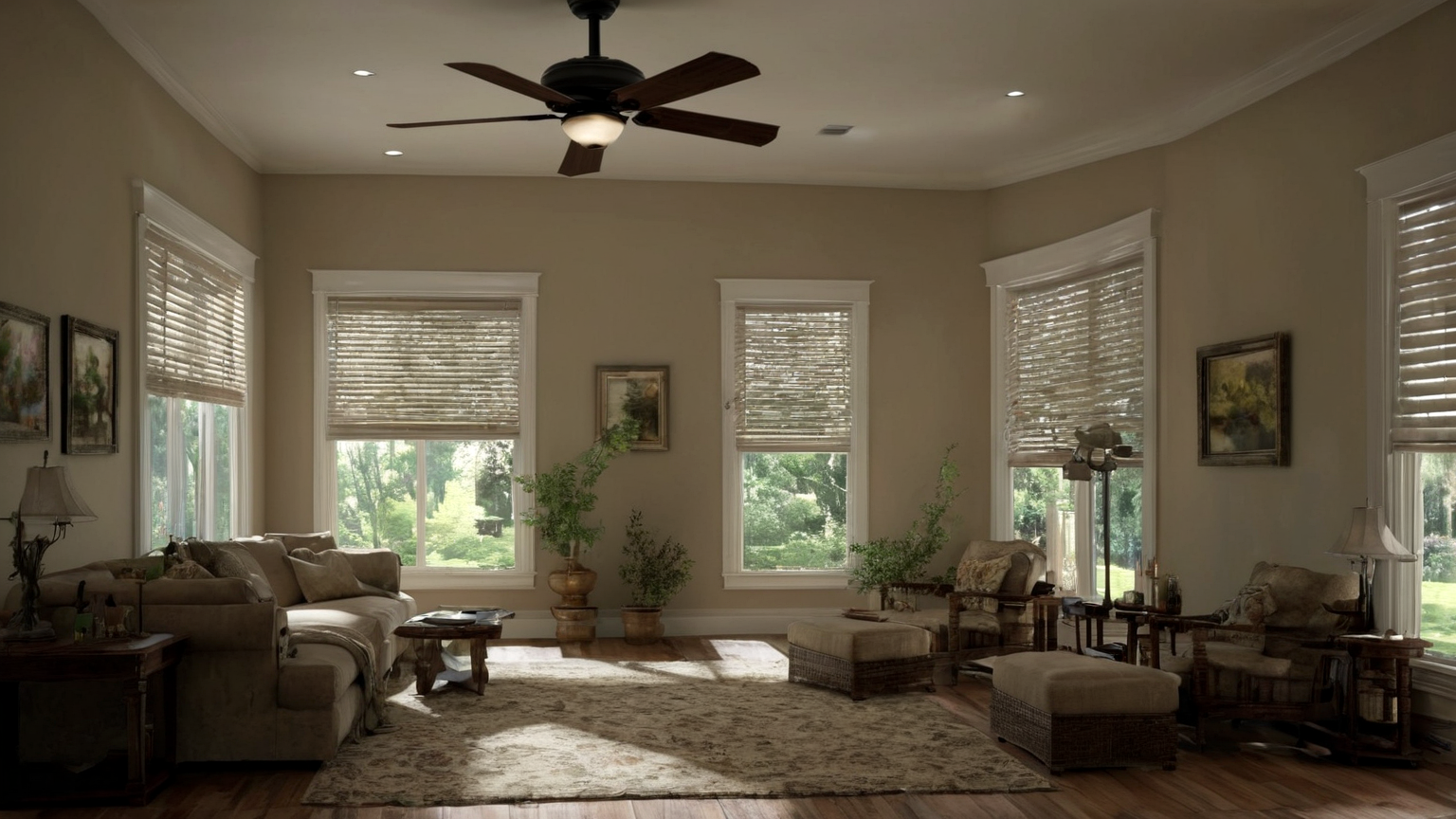
A smart thermostat can save energy only when the schedule matches the building, humidity, occupancy, and comfort limits. In summer, an aggressive away setback can let damp rooms drift into a range where comfort and mold concerns rise. This 2026 guide turns ENERGY STAR, DOE, EPA, and CDC guidance into a practical, AdSense-safe home energy plan without pretending every house has the same answer.
Quick decision table
| Situation | Safer choice | Mistake to avoid |
|---|---|---|
| Home is empty for several hours and humidity stays controlled | Use a modest away setback plus shades and fans where appropriate | Turning cooling off so the house becomes damp and hard to recover |
| Bedrooms feel clammy even at a normal temperature | Check fan use, runtime, ventilation, and humidity sources before lowering the setpoint | Chasing comfort only by dropping temperature |
| Utility price peak overlaps afternoon sun | Pre-cool modestly if the home tolerates it, then reduce heat gain | Overcooling rooms that nobody uses |
| Mold, medical, infant, elder, or equipment concerns exist | Use conservative settings and qualified advice | Treating an energy blog as a health or building-science diagnosis |
One-page routine
- Name the risk before starting.
- Separate the safe zone from the risky zone.
- Set the stop, swap, or escalation trigger.
- Keep official-source checks and product/manual checks in the text workflow, not in image captions.
- Review the result after the test week, setback period, or humid-weather cycle ends.
1. Start with the comfort boundary, not the app feature
Pick the warmest setting that still keeps people and rooms comfortable. Then add schedules, occupancy sensing, and geofencing only when they respect that boundary.

Reader-use detail: decide the comfort and humidity boundary before changing the schedule. A one-week test, room notes, shade habits, and override log prevent the common mistake of trusting an app graph while the home becomes damp or uncomfortable.
2. Use humidity as a guardrail
Summer comfort depends on moisture as well as temperature. If rooms feel damp, smell musty, or surfaces stay wet, a bigger setback may be the wrong energy strategy even if the thermostat graph looks efficient.
Reader-use detail: decide the comfort and humidity boundary before changing the schedule. A one-week test, room notes, shade habits, and override log prevent the common mistake of trusting an app graph while the home becomes damp or uncomfortable.
3. Pair setbacks with low-cost heat control
Shades, ceiling fans used only in occupied rooms, reduced oven use, and evening ventilation when outdoor conditions allow can make a modest setpoint feel better without pretending a fan cools an empty room.

Reader-use detail: decide the comfort and humidity boundary before changing the schedule. A one-week test, room notes, shade habits, and override log prevent the common mistake of trusting an app graph while the home becomes damp or uncomfortable.
4. Avoid fake precision
A blog cannot know your insulation, duct leakage, room exposure, or equipment sizing. Treat the settings as test ranges, then record comfort, humidity signs, runtime, and complaint points for one week.
Reader-use detail: decide the comfort and humidity boundary before changing the schedule. A one-week test, room notes, shade habits, and override log prevent the common mistake of trusting an app graph while the home becomes damp or uncomfortable.
5. Keep trust signals visible
This page avoids affiliate claims and exact savings promises. It links to official energy and indoor-air sources, names limitations, and keeps practical steps in text so readers can evaluate the advice.
Reader-use detail: decide the comfort and humidity boundary before changing the schedule. A one-week test, room notes, shade habits, and override log prevent the common mistake of trusting an app graph while the home becomes damp or uncomfortable.
Practical checklist
- Verify the latest official source or manufacturer/manual guidance when conditions, recalls, alerts, or symptoms matter.
- Keep the physical setup simple enough for another household member or passenger to follow.
- Use conservative thresholds for children, older adults, medical conditions, poor visibility, heat, moisture, or contamination risk.
- Do not rely on AI-generated image details for measurements, labels, dashboard symbols, sanitizer ratios, temperatures, or medical decisions.
- Avoid affiliate purchases unless the product directly solves a reader need; this article intentionally prioritizes safety and trust over product density.
- Save a short note about what worked so the next decision is easier.
Source notes and limitations
The sources below were checked during the 2026-06-15 publishing workflow. They provide boundaries for general consumer decisions, not individualized medical, repair, food-service, building-science, or emergency instructions. Local alerts, product labels, owner manuals, clinicians, emergency responders, qualified repair technicians, and building professionals can override this guide.
FAQ
Is this page current for June 2026?
Yes. The source list was prepared for the 2026-06-15 daily publishing run, but readers should still open the linked official pages when alerts, regulations, recalls, or product instructions may have changed.
Why are the images plain and text-free?
The GTI13 raster images are illustrative only. The actual tables, warnings, and checklists are written as accessible page text so they can be reviewed, translated, and corrected.
Does this page improve AdSense readiness?
It preserves readiness by adding original practical guidance, descriptive sources, internal links, no thin affiliate filler, clear limitations, and policy-safe wording.
A one-week thermostat test
Do not judge a summer setback from one afternoon. Test one setting for a week and record four observations: indoor comfort at the hottest hour, whether rooms feel damp or smell musty, how long the system needs to recover before bedtime, and whether anyone overrides the schedule. If the house feels sticky, a larger temperature setback may save less than expected because occupants compensate with lower nighttime settings or portable equipment.
Start with modest changes. Close shades before sun hits the glass, use ceiling fans only in occupied rooms, and avoid adding oven or dryer heat during the peak cooling window. Then compare a small away setback with normal comfort, not with an unrealistic “off all day” scenario. A smart thermostat is useful because it makes the experiment repeatable, but the app should not override building reality.
Humidity and health boundaries
Humidity concerns deserve conservative language. A blog post cannot diagnose mold, ventilation defects, HVAC sizing, or medical risk. If occupants have asthma, allergies, immune concerns, infants, older adults, water damage, or persistent musty odor, treat comfort complaints as a building-health signal rather than a mere energy preference. EPA and CDC resources support prevention and cleanup boundaries, but a qualified professional may be needed when moisture keeps returning.
AdSense-ready energy advice
The page avoids exact savings promises because utility rates, equipment efficiency, duct leakage, climate, shade, and occupancy vary. It improves trust by giving readers a test method, official sources, and safety limits instead of a one-size-fits-all setting. That is stronger for long-term search quality than stuffing the article with thermostat affiliate links.
Room-by-room exceptions
A single thermostat schedule can hide room-level problems. West-facing bedrooms, basement rooms, laundry areas, and closed offices may drift differently from the hallway where the thermostat sits. During the test week, note which room becomes uncomfortable first and whether closing blinds, opening interior doors, using bath fans correctly, or shifting appliance use helps. If one room stays damp while the rest of the house feels normal, the answer may be airflow, insulation, drainage, or equipment service rather than a lower setpoint.
For renters, the practical version is smaller: document comfort and moisture signs, use allowed shade and fan habits, avoid blocking vents, and report recurring dampness through the proper maintenance channel. For owners, the notes can guide whether to ask an HVAC professional about airflow, sizing, maintenance, or dehumidification.
Final reader check
Before using this thermostat guide, compare the advice with the actual room comfort, humidity clues, HVAC manual, lease limits, water-damage history, and qualified building or HVAC advice in front of you. If any of those says to be more cautious, choose the more cautious path. The goal is not to chase a perfect app setting; the goal is to save energy without creating damp rooms or comfort complaints.
If the thermostat has humidity reports, treat them as clues rather than laboratory measurements. Compare them with room feel, window condensation, musty odor, and whether fabrics dry normally. A pattern across several days is more useful than one dramatic app reading.
When the test ends, keep the setting that people actually tolerate. A schedule that causes repeated overrides, damp rooms, or poor sleep is not a successful energy plan even if it looks efficient in an app summary.